

For Educators

Teach smarter. Scale your impact.

Open Teaching Studio. Create AI Teachers and activities, then share them with your learners or an LMS.
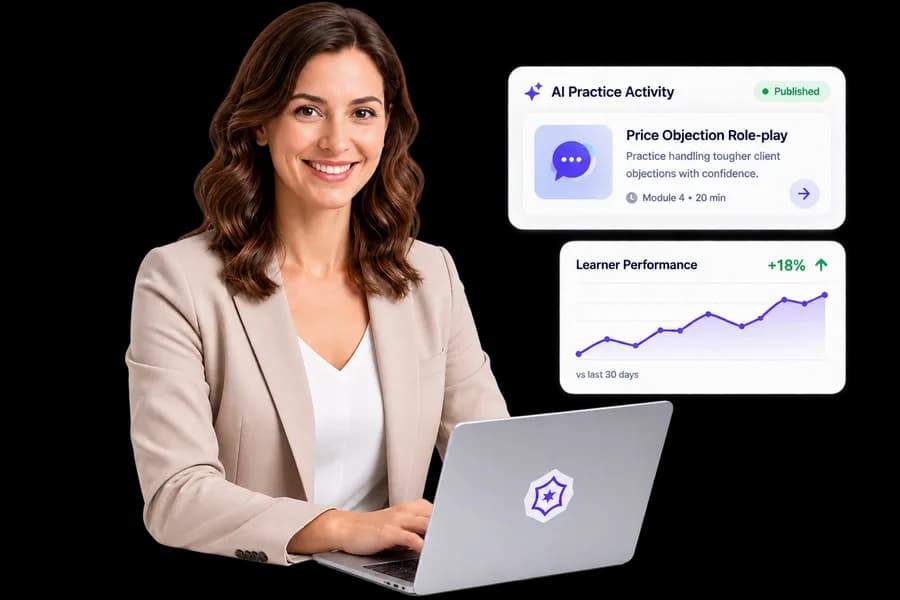
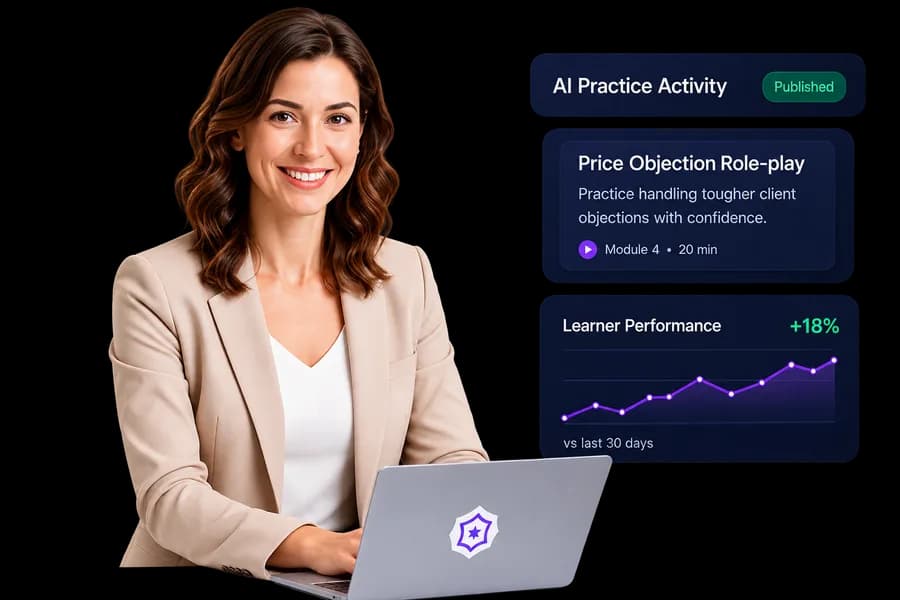
  • Build AI Teachers that represent your expertise
  • Turn lessons into role-play practice
  • See how learners practice
  • Secure & Private
  • Built for Educators
  • LMS Compatible
  • No academy required
Educator creating an AI learning experience on a laptop
v3 publishedVoice 03

From Lesson to Impact in 4 Simple Steps

From lesson to impact in 4 simple steps.

  1. Add Your Content

    Upload your lesson or connect your LMS.

  2. Create AI Activity

    Define the goal and let AI help you build it.

  3. Test & Publish

    Preview the experience, make it perfect, then publish.

  4. Engage & Grow

    Learners practice, improve, and keep coming back.

Teaching Studio

Build an AI Teacher that teaches your way.

Start from your own material. Every save is a new draft version, so learners stay on the release you trust until you publish the next one.

Step 1 of 4 Sample

Who learners meet.

Display name
Ms. Rivera, Business English
Teaches
Interviews, meetings, email tone
Short bio
Coaches professionals who work in a second language.

Shown to every learner: “This is an AI Teacher, not the human educator.”

AI Teacher Builder portrait
v3 publishedv4 draftThis draft does not change the version learners currently use.
  • Identity
  • Rights
  • Knowledge
  • Test as a learner

Practice activities

Practice activities in 10 types.

Give each one a rubric and the scenario truth it must respect. Start from an editable draft built from your own material, then test it as a learner before you publish.
  • Guided conversationA guided back-and-forth about the lesson.
  • Role-playThe learner and AI Teacher take assigned roles.
  • Oral assessmentThe AI Teacher asks the learner to demonstrate orally.
  • Knowledge checkShort questions to check understanding.
  • Teach-backThe learner explains the material in their own words.
  • Case studyThe learner works through a scenario with facts and decisions.
  • Mock interviewA practice interview with the AI Teacher as interviewer.
  • PresentationThe learner presents; the AI Teacher listens and responds.
  • Decision simulationThe learner makes choices and sees consequences.
  • Explain and applyThe learner explains a concept, then applies it.

Knowledge, with rights you choose

Upload your material and decide what each file may be used for. Model training stays off unless you allow it.

  • PDF
  • DOCX
  • PPTX
  • TXT
  • Markdown

Share Everywhere

Place in an LMS, copy a secure link, or embed on a website.

  • LMS Deep Link
  • Copy Secure Link
  • Embed in Website

Insights, without reading transcriptsSample

124 started
82 completed
47 retries

Weak conceptHigh frictionDraft an improvement

Transcripts stay closed.

Demand opportunities

See categorical platform-wide demand without identities or volumes.

Learn. Apply. Measure. Practice. Prove.

Your teaching, available every day.

Open Teaching Studio to build AI Teachers and activities. Book a demo if you want a walkthrough first.

Ask for a walkthrough

orStart Creating Free

Book a demo

Tell us about you

Used only to schedule a demo. Not an account. Privacy Policy